Imagine you're standing at a locked door. You try the knob. It doesn’t open. Suddenly, a loudspeaker says:
❗“Access denied: incorrect key. But here’s what we were expecting — something exactly 16 characters, starting with ‘X’.”
You didn’t get in… but wow, you learned a lot.
That’s what error messages can do when they’re written for developers — and shown to everyone.
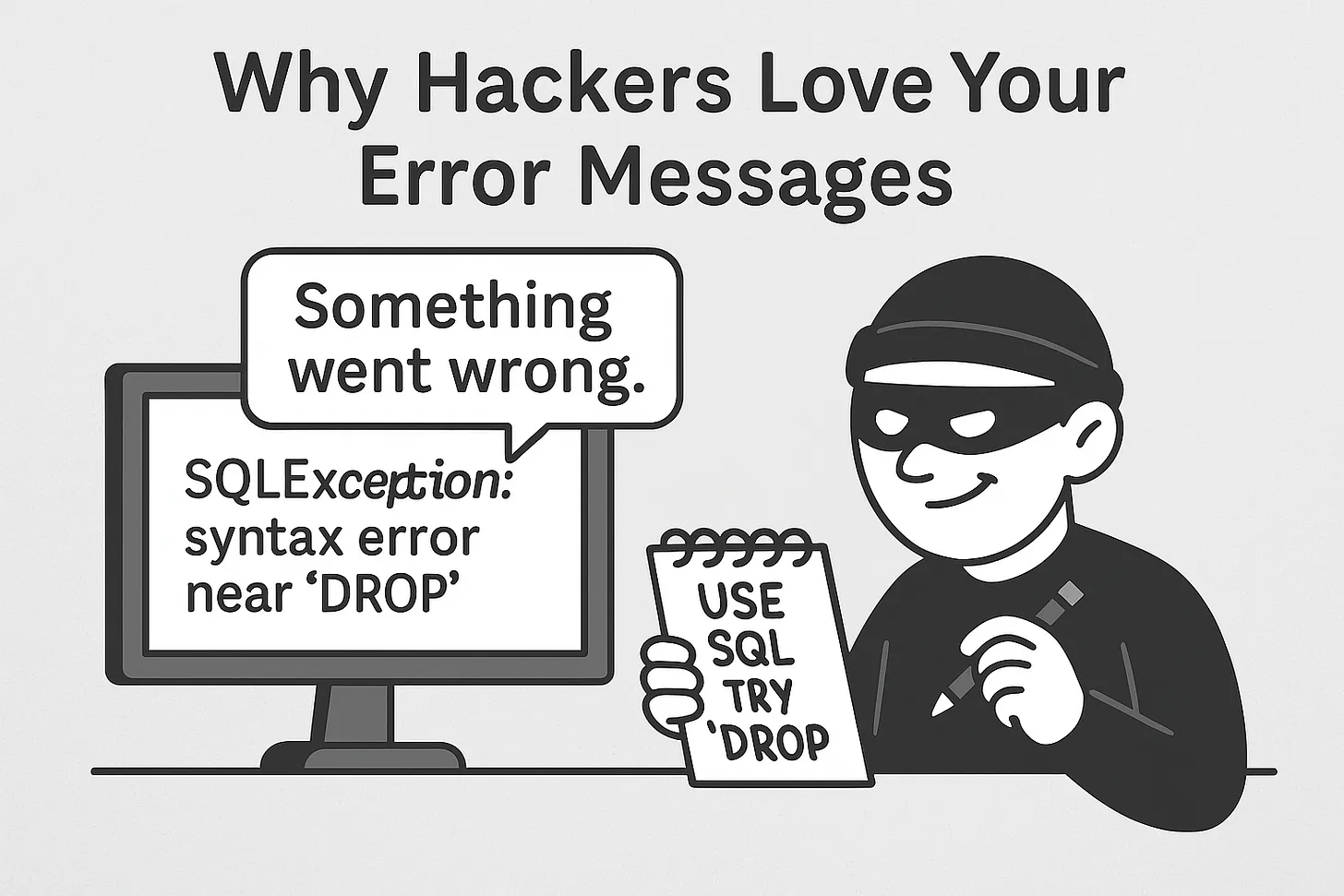
And hackers? They love them. Because every error message is like a tiny glimpse behind the curtain.
💥 What’s the Risk?
When your app spits out detailed errors like:
SQLException: syntax error near 'DROP'
or
Stack trace: NullReferenceException in UserController.java:84
…you’re doing three things:
- Confirming what tech stack you use
- Revealing internal file structures and code paths
- Telling the attacker exactly where things went wrong
You’ve just become an open book with all the answers in the back.
🧠 Why It Happens
- You're in dev mode.
- You want clear errors for debugging.
- The framework helpfully shows the full stack trace.
- You forget to switch to prod mode.
- Suddenly, you're explaining your whole backend to anyone who asks rudely.
It's like posting your home security code on the front door — but in YAML.
🧪 Real Example
Let’s say someone tries to log in with weird input:
Username: '; DROP TABLE users; --
If you respond with:
500 Internal Server Error SQL error: unexpected 'DROP' near line 1
That’s gold.
Now the attacker knows:
- You use SQL
- You're not sanitizing input
- Their injection attempt is close
They’ll tweak and try again. You're practically coaching them.
🛡️ So What Should You Do?
✅ 1. Show generic errors to users
Instead of saying:
Exception: invalid token structure in AuthModule.java
Say:
Something went wrong. Please try again.
Save the details for the logs.
✅ 2. Log everything — but securely
- Include full error traces in your logs
- Make sure logs are only accessible internally
- Don’t log sensitive values like passwords or full tokens
✅ 3. Disable verbose mode in production
Most frameworks have a flag:
app.set('env', 'production');
or
DEBUG = False
That alone can hide stack traces from the outside world.
🚨 Bonus Tip: Watch Your APIs
Even APIs return verbose errors:
{ "error": "Invalid JWT signature", "stack": "at auth.verifyToken (/utils/token.js:32:17)..." }
Instead, return:
{ "error": "Unauthorized" }
Let your logs tell the full story — not the response body.
🧠 Final Thought
Your error messages were written to help you. But when left exposed, they help the wrong people.
Be generous in your logs.Be vague in your responses.And remember — the less you say in public, the safer you stay.