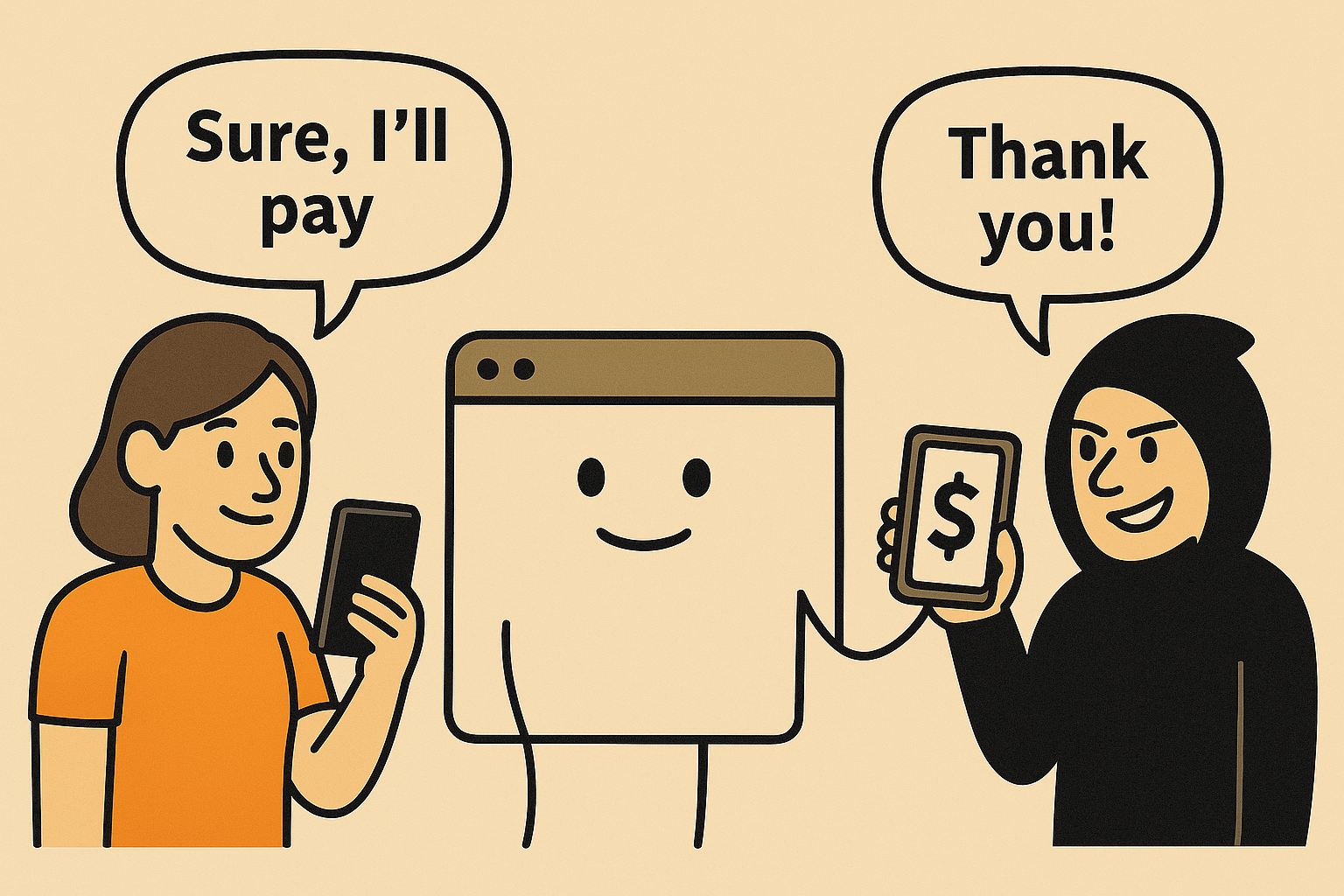
Imagine this:
You’re logged into your bank account. You open a new tab, read a blog, click a cat video… and without knowing it, you just transferred $1,000 to someone else. 😳
That’s Cross-Site Request Forgery, or CSRF. A fancy name for a sneaky problem.
Let’s break it down like you’re five.
💣 What Is CSRF?
It’s when a bad website tricks your browser into doing something on a site you’re already logged into.
It’s like someone handing you a form and saying,
“Can you just sign this real quick?”And it turns out, you just gave away your house.
🧠 How Does It Work?
Here’s the basic recipe:
- You’re logged into your bank or favorite app in one tab.
- You visit a shady site in another tab.
- That shady site secretly makes a request (like "Transfer money") as you, because your browser still holds your session cookies.
- The bank sees the request, checks your cookies, thinks you sent it — and goes ahead.
Oops.
🤔 Why Is This Possible?
Because browsers automatically attach your cookies (including login sessions) with every request — even if the request is from another website.
CSRF takes advantage of that loyalty. The browser doesn’t ask:
“Did the user really mean to do this?”
🔐 So… How Do We Fix It?
Let’s flip the table.
✅ 1. CSRF Tokens (a secret handshake)
Every time your app shows a form (like “Update Profile” or “Make Payment”), it includes a hidden secret token — unique to your session.
When the form is submitted, the server checks:
- “Is this a valid session?”
- “Is the token included?”
- “Does it match?”
If someone tries to trick the user into submitting the form, they won’t have the token. Boom — request blocked.
✅ 2. SameSite Cookies
Modern browsers let you flag your cookies with:
Set-Cookie: sessionId=abc123; SameSite=Strict
This tells the browser:
“Only send this cookie if the request came directly from my site.”
So even if a bad site tries to forge a request, the browser leaves the cookies behind. No cookie, no access.
✅ 3. Use POST, Not GET for Actions
Don’t let users delete accounts or transfer money via a simple URL (e.g., /delete?id=123).
Use POST or PUT, and validate the request body.
🧪 Example Time
Without CSRF protection:
<form action="https://yourbank.com/transfer" method="POST">
<input type="hidden" name="amount" value="1000">
<input type="hidden" name="toAccount" value="attacker123">
<input type="submit" value="Click me for a prize!"> </form>
The user thinks they’re clicking a prize — but they just sent money.
With CSRF token:
<input type="hidden" name="csrf_token" value="random123xyz">
The attacker doesn’t have the token. The bank rejects the request.
🧠 Final Thought
CSRF isn’t about stealing data — it’s about abusing your authority.
Your browser trusts you.CSRF tricks it into doing things you didn’t mean to do.
The fix isn’t complicated:
- Use CSRF tokens for state-changing requests.
- Set your cookies with SameSite=Strict or Lax.
- Don’t let sensitive actions happen through GET URLs.